Description
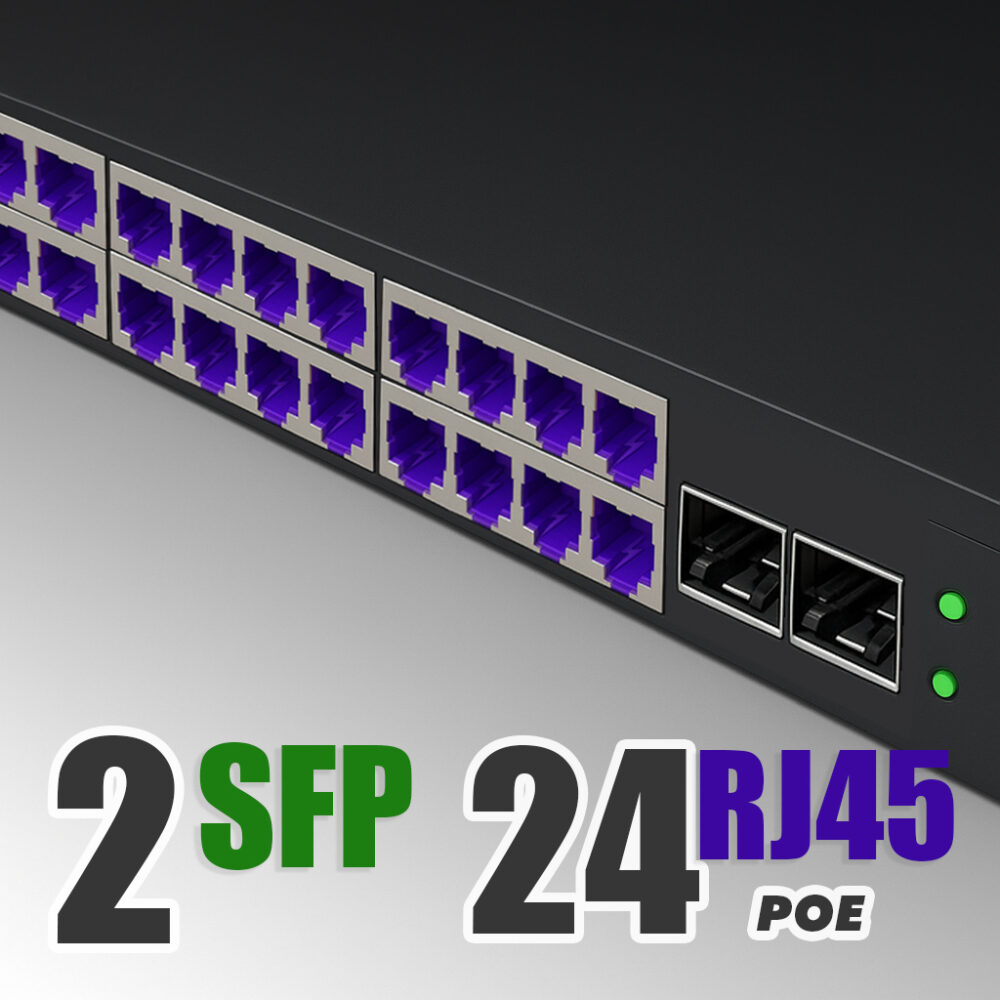
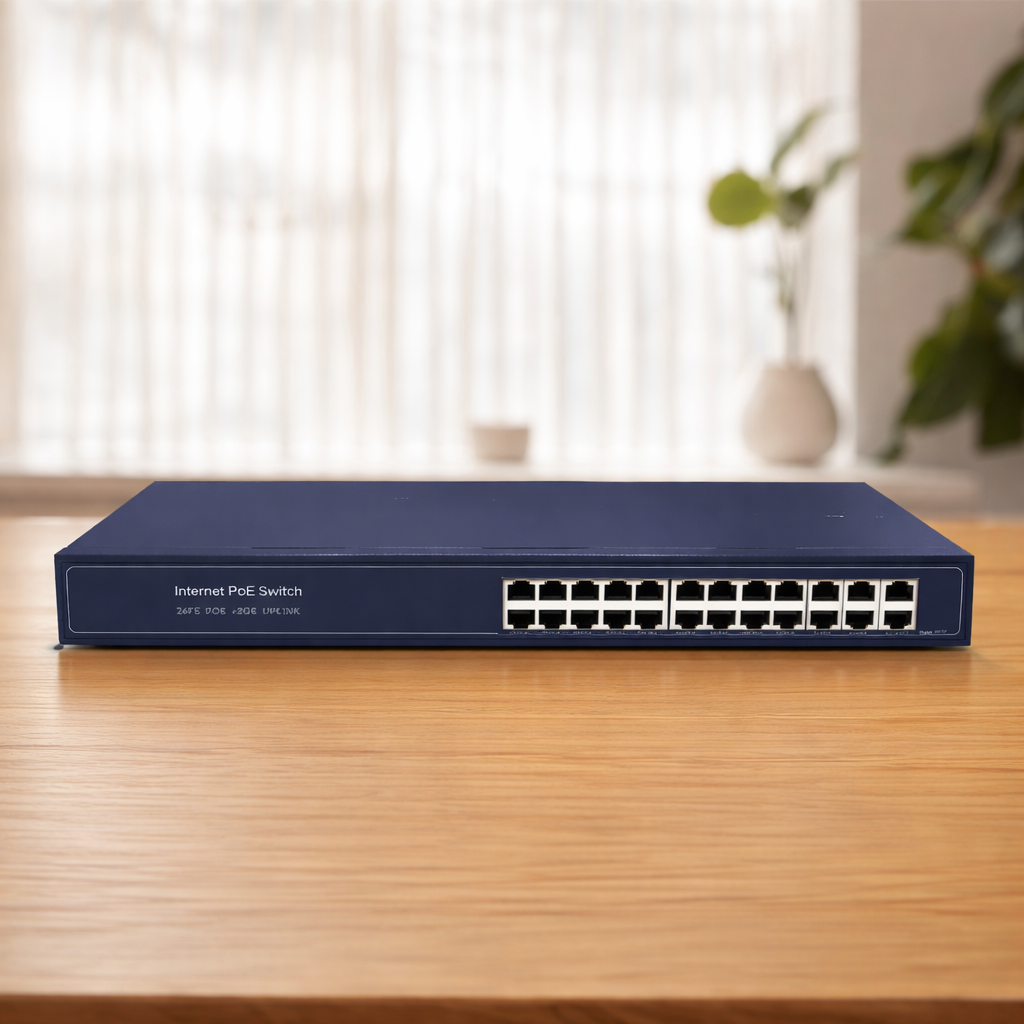
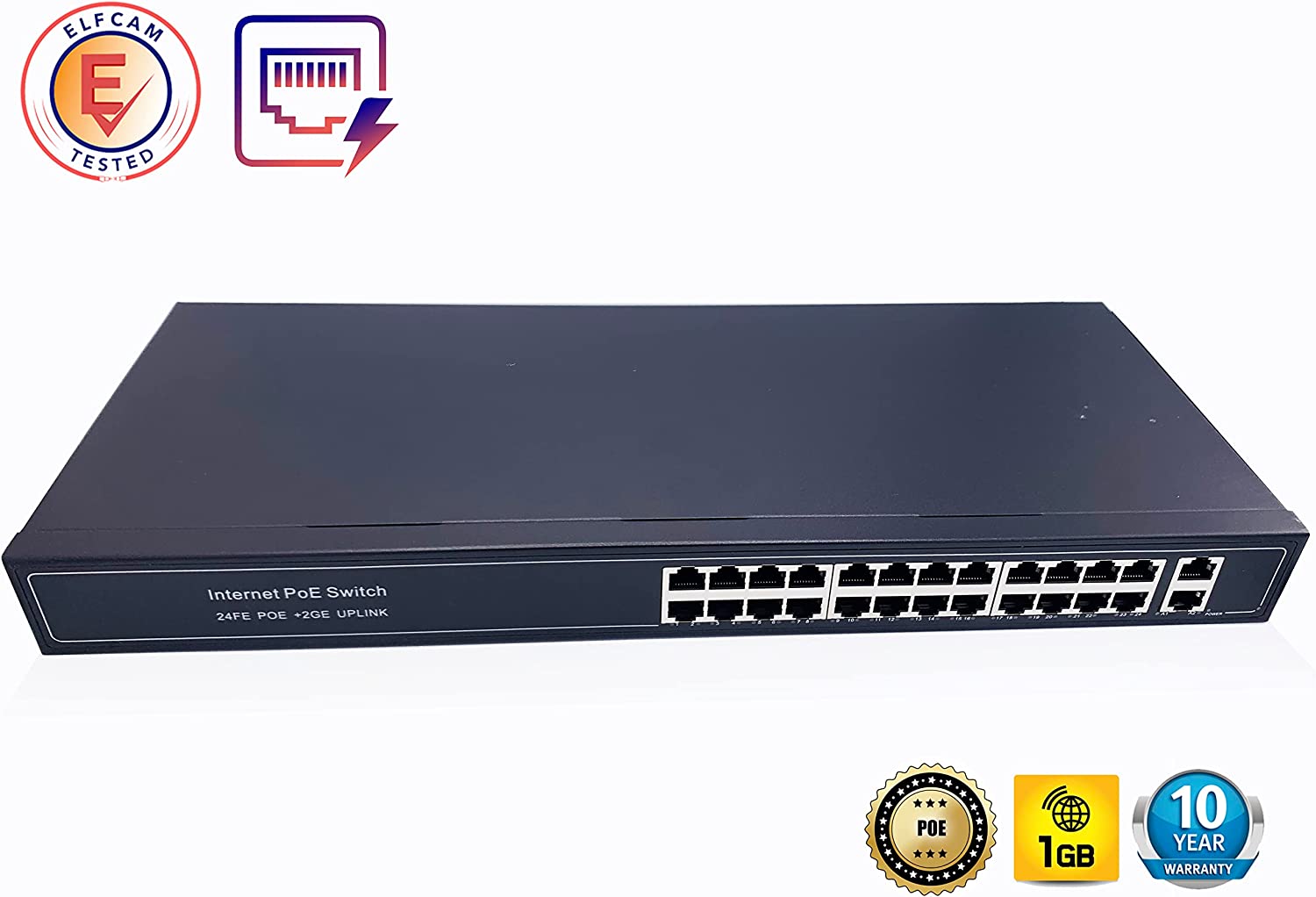
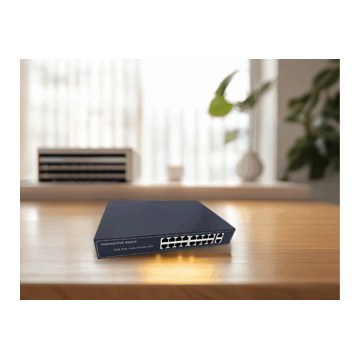
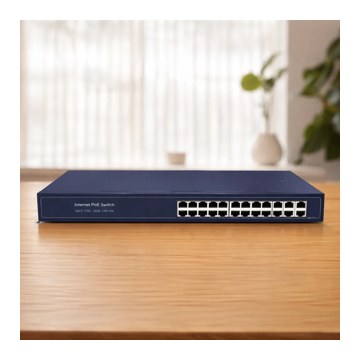
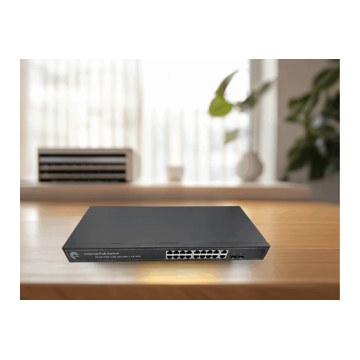
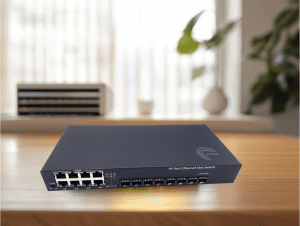
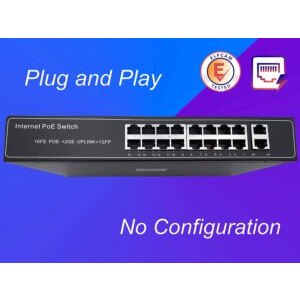
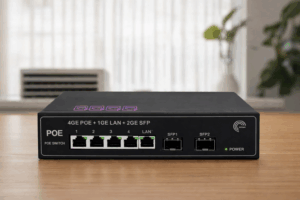
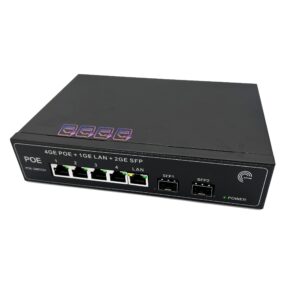
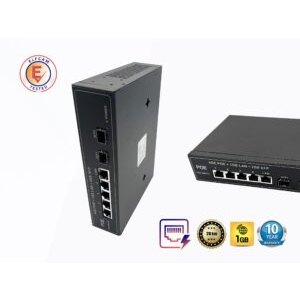
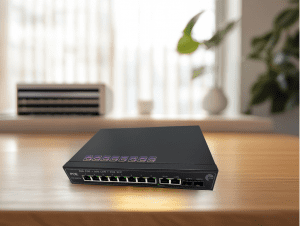
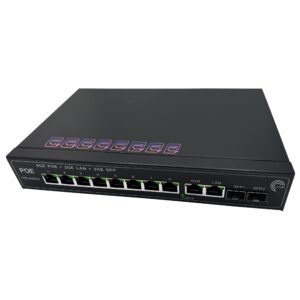
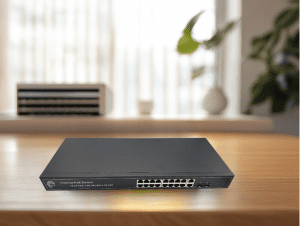
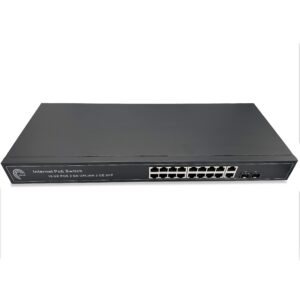
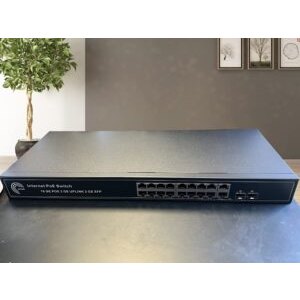
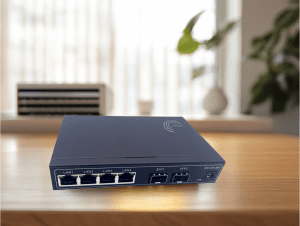
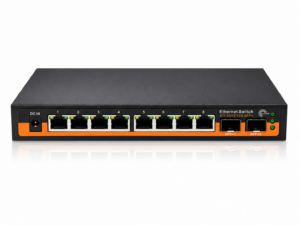
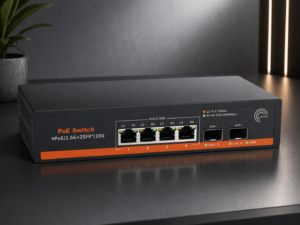
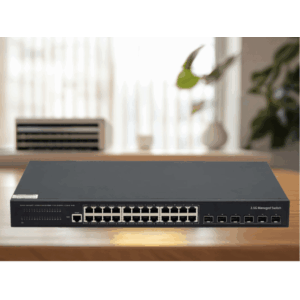
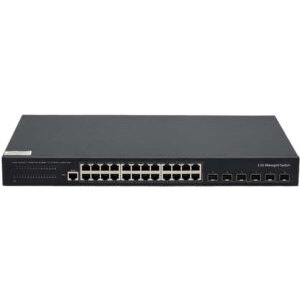
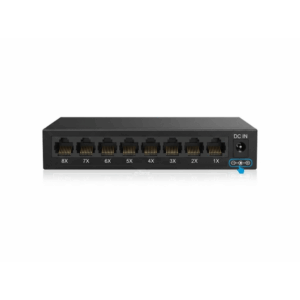
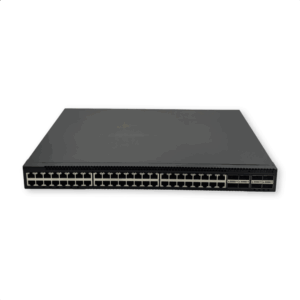
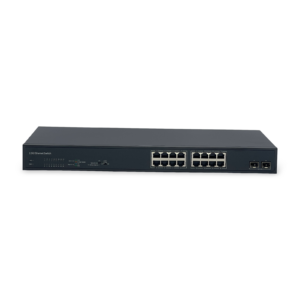
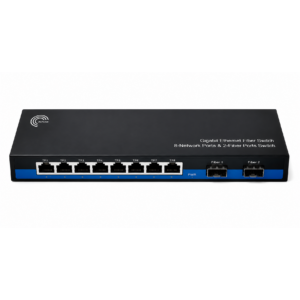
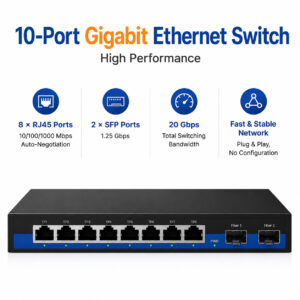
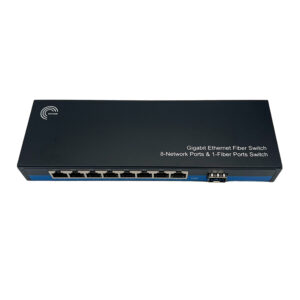
Unmanaged PoE switch with 24 PoE ports + 2 Gigabit uplink ports + 2 SFP ports, in a metal housing. For a large video surveillance or Wi-Fi installation: up to twenty-four devices powered and connected from a single switch, with no configuration.
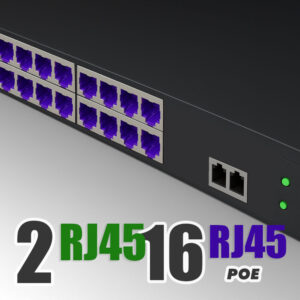
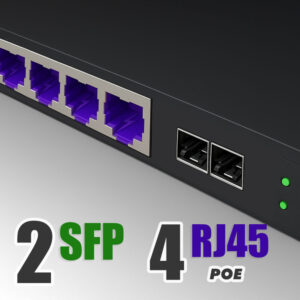
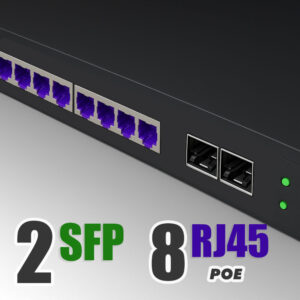
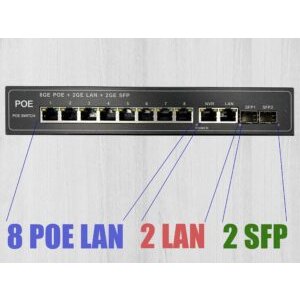
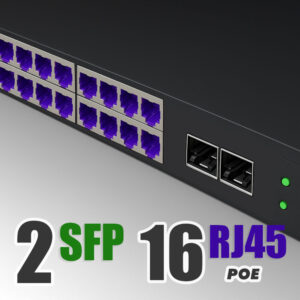
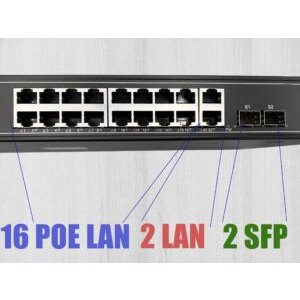
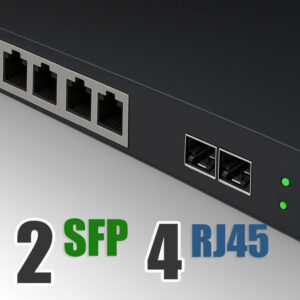
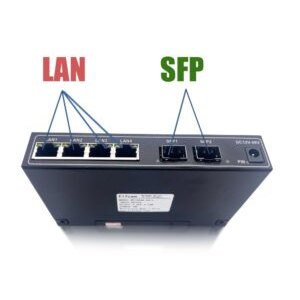
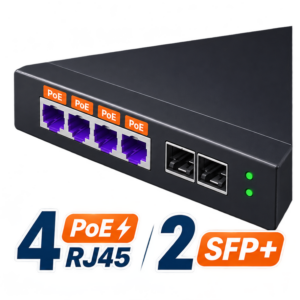
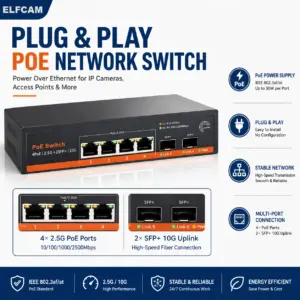
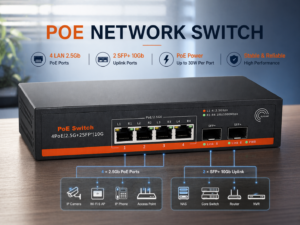
24 PoE portsPlus 2 uplink ports and 2 SFP ports.
30 W PoE per portIEEE 802.3af/at, up to 30 W on every port.
Up to 1000 Mbit/s10/100/1000 Mbit/s ports.
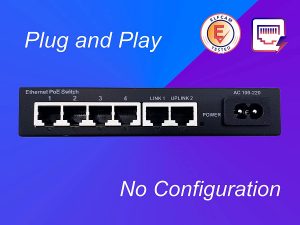
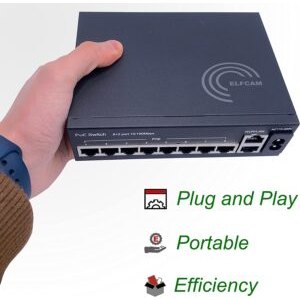
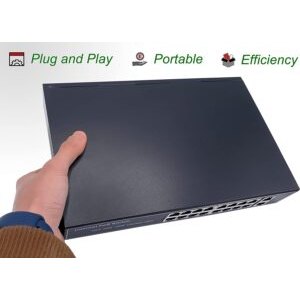
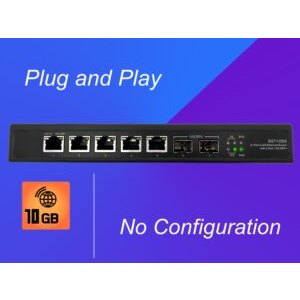
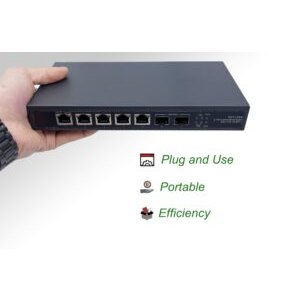
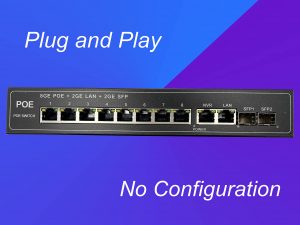
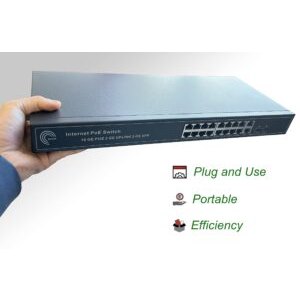
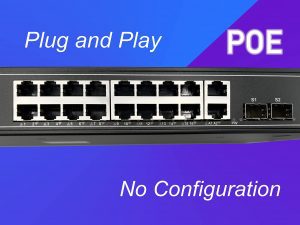
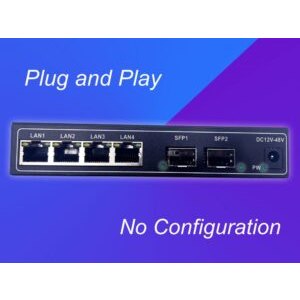
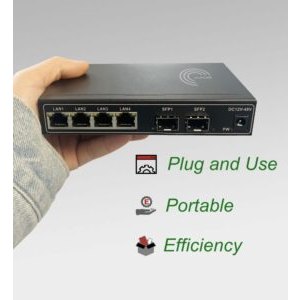
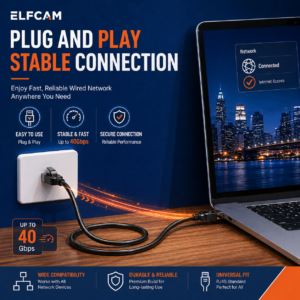
Plug & PlayPlug in the power and the network, no setup.
Non-blockingFull speed on all ports at the same time.
QoSPriority queues to organise traffic.
24 PoE, 2 uplink, 2 SFP
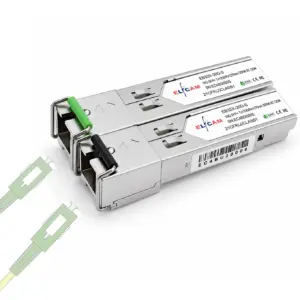
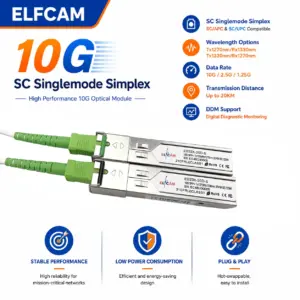
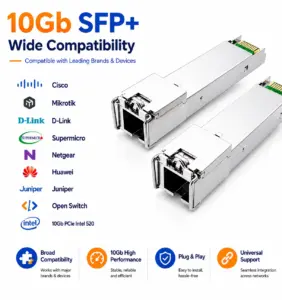
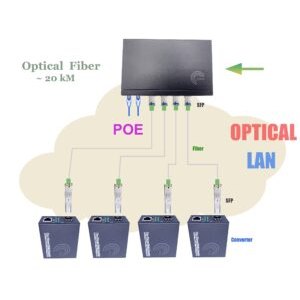
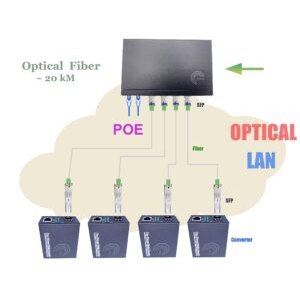
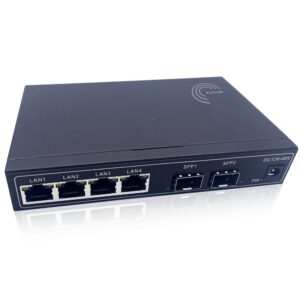
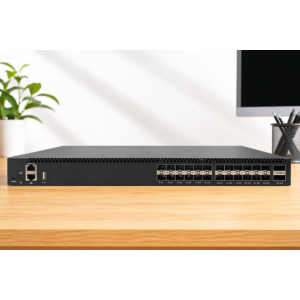
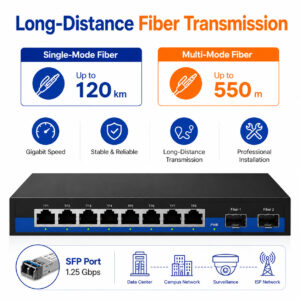
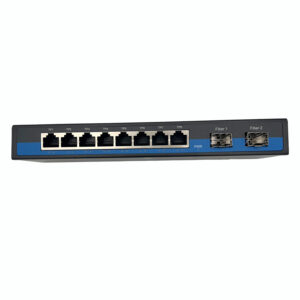
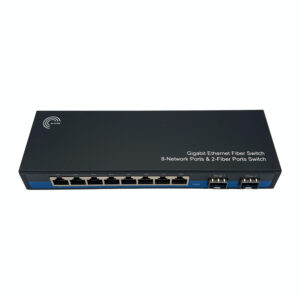
Twenty-four PoE ports for cameras, access points and IP phones, two uplink ports and two SFP ports for fibre (modules sold separately).
One cable per device
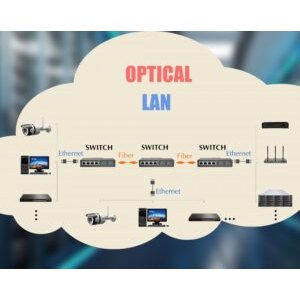
IP cameras, Wi-Fi access points, IP phones: the switch powers them and connects them to the network with a single cable each. The recorder or the router plugs into the uplink ports.
Box ou NVR
Uplink port
24-port PoE switch
Cameras, access points
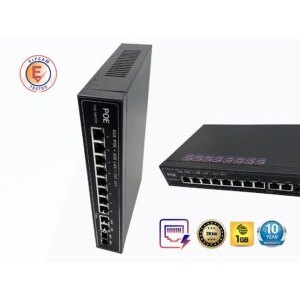
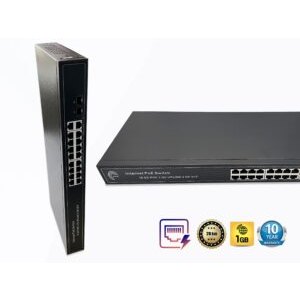
Unmanaged PoE switch, 24 × PoE + 2 × uplink + 2 × SFP, 802.3af/at, 30 W per port, up to 1000 Mbit/s.
1. Can I connect a non-PoE device to a PoE switch?
Yes, it is safe. The PoE switch automatically detects whether the connected device needs power and only supplies it when required.
2. How many devices can I power with a single PoE switch?
It depends on the number of ports available (from 4 to 24 ports in our range) and on the switch’s maximum power (IEEE 802.3af, 802.3at or 802.3bt). Check the total power available on your switch and the consumption of each connected device.
3. Does PoE work with all types of Ethernet cable?
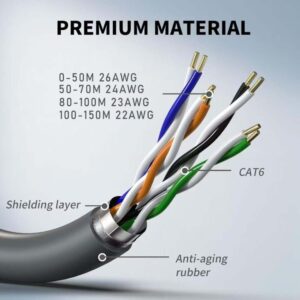
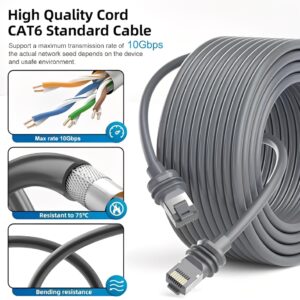
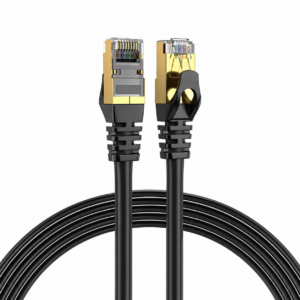
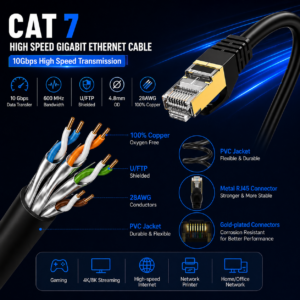
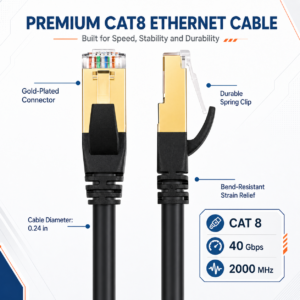
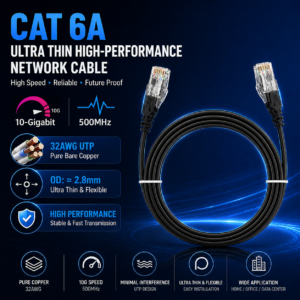
Yes, but a Category 5e or higher Ethernet cable (Cat.6 recommended) is advised to ensure signal stability and safe power delivery.
4. Can a standard switch and a PoE switch be combined on the same network?
Absolutely. The two types of switch are fully compatible, so you can combine them to suit your specific needs.
5. Does a PoE switch need configuring, or does it work straight away (plug and play)?
Our PoE switches generally work straight away with no special configuration (plug and play). However, some managed models may need simple configuration for advanced features.
6. How do I size the total power of my PoE switch?
Add up the power consumption of the devices you plan to connect, then choose a PoE switch whose total power slightly exceeds that figure to ensure optimal operation.
7. Does a PoE switch use a lot of energy on standby?
No. Our modern PoE switches include energy-saving functions that considerably reduce their consumption when they are not fully in use.
8. Can a PoE switch be used to extend a Wi-Fi network?
Yes. Powering Wi-Fi access points is one of the typical uses of a PoE switch, simplifying installation in business premises or at home.
9. Should I install surge protection with a PoE switch?
It is strongly recommended, especially for sensitive installations such as security systems. Surge protection safeguards both your network and your equipment against damage caused by power surges or lightning.

 ELFCAM
























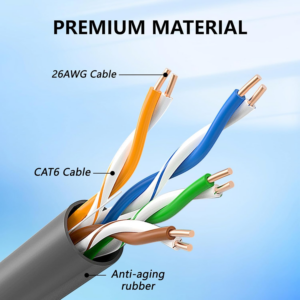
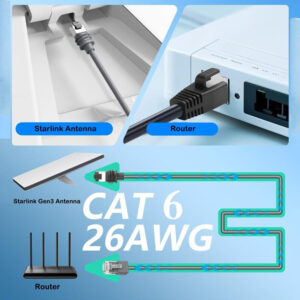
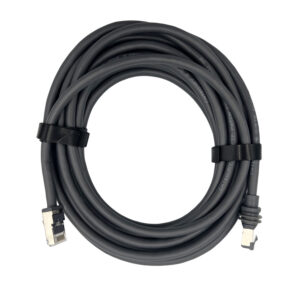
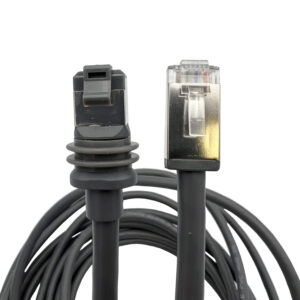





















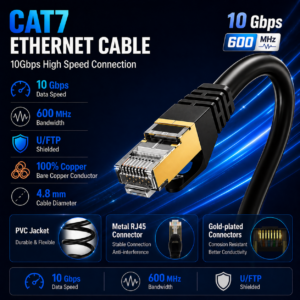

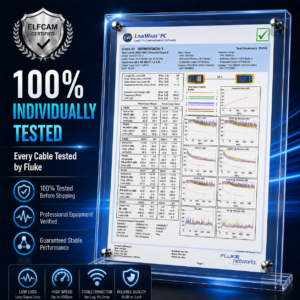
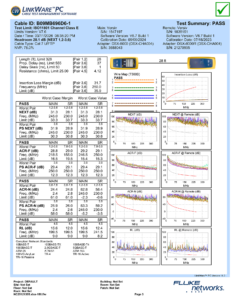
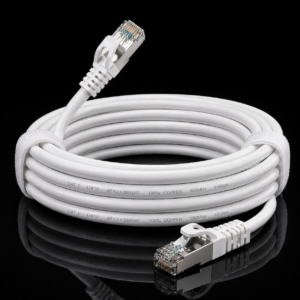
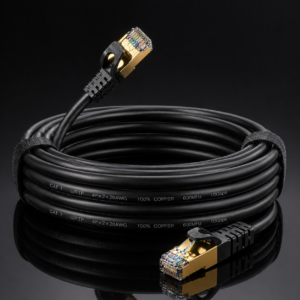
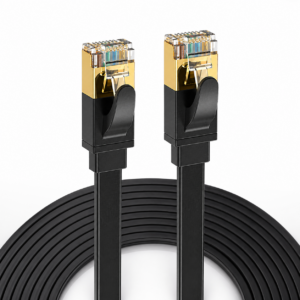
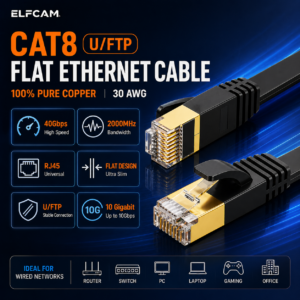
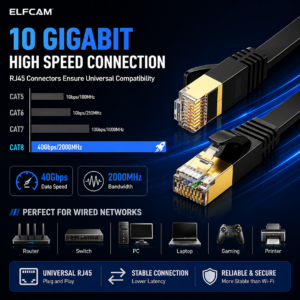
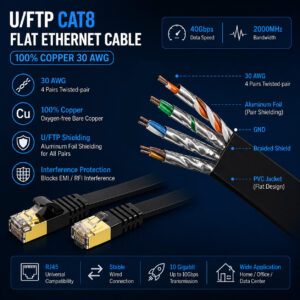
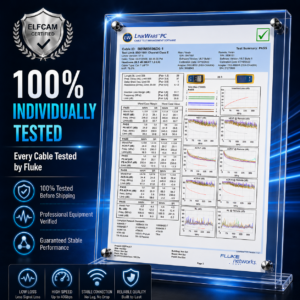
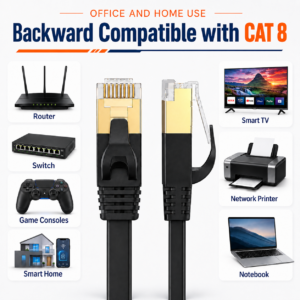
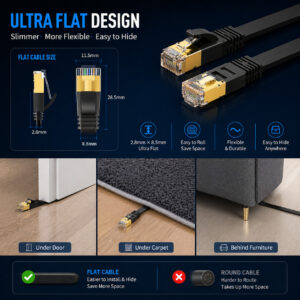




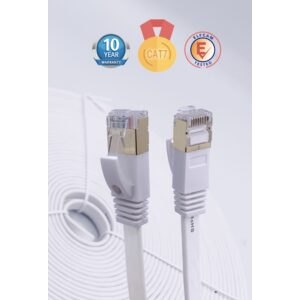
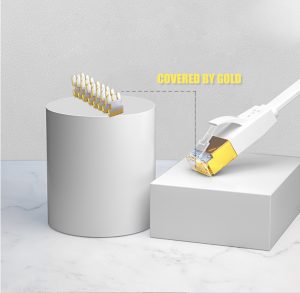
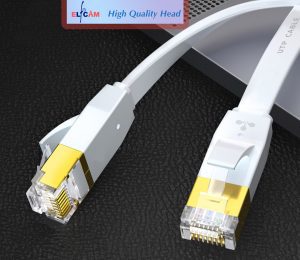

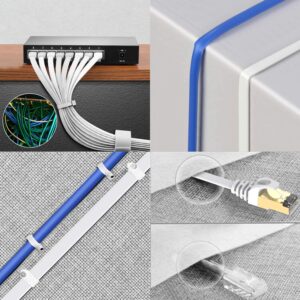
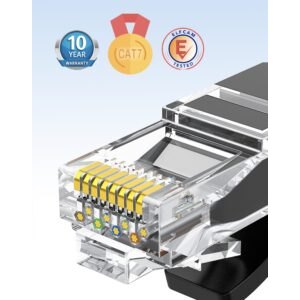

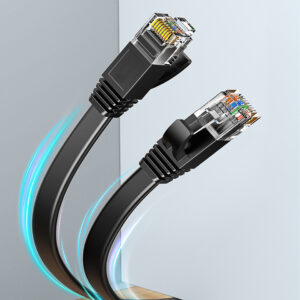
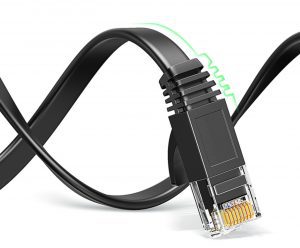
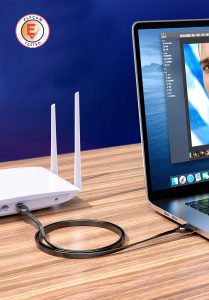


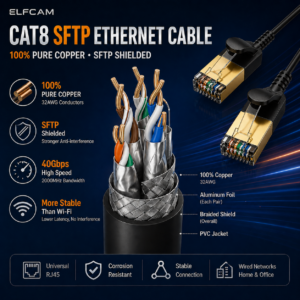





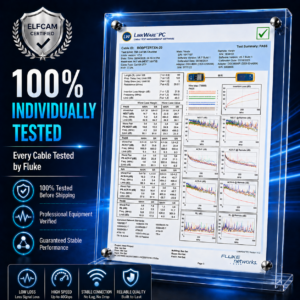



























Really impressed. Tested with professional equipment, results are spot on. Best value for money.
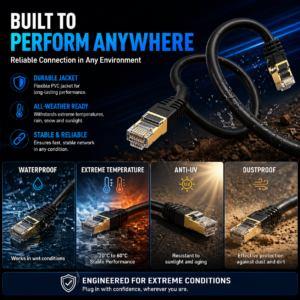
Great quality. The jacket material is high quality and UV resistant. Elfcam is now my go-to brand.
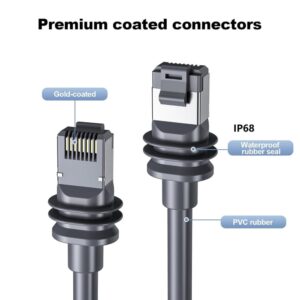
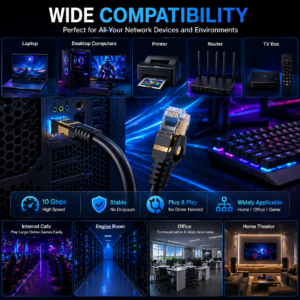
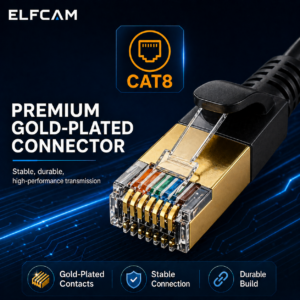
Perfecto. Los conectores son de precisión y encajan perfectamente. Envío rápido además.